Taby AI
Taby AI now works with Brain. Download Brain from Settings to use local chat, task help, and review.
Hey Taby updates
Public release notes mirrored from the in-app Updates view. 45 shipped improvements across 11 releases, included with every Taby.
Taby AI now works with Brain. Download Brain from Settings to use local chat, task help, and review.
Review is now where AI checks tasks, reminders, notes, folders, and activity before you decide.
AI review
Looks over everything before you decide.
Approve, edit, or skip
Physical Taby gets 1.0.5 with the new response-ready animation and device polish.
Cleaner screens, smoother edges, better feedback text, and a pile of smaller fixes across the app.
FixesCalm now uses long still pauses and frozen focus faces, so Taby only moves when it matters.
Eyes move during idle, with app and prompt animations when needed.
Taby stays visible with a still face between important moments.
The screen stays off between important moments to keep things quieter.
Digital Notch is more responsive and less buggy.
After a break, Taby can suggest the planned Day view task instead of starting a blank focus session.
Back to task?
Fix digital Taby
Next up
In 3 min
Fixed Codex notifications so Taby alerts you when Codex needs permission, including older hook setups.
Task deadline editing. Windows notch hover. Reminder spacing. Browser tab cleanup. Tray polish.
Choose when Taby can send water, break, and focus nudges. Outside active hours, Taby stays quiet and disabled days stay quiet.
Physical Taby can now use a separate brightness level outside active hours, so it can stay softer when you are done for the day.
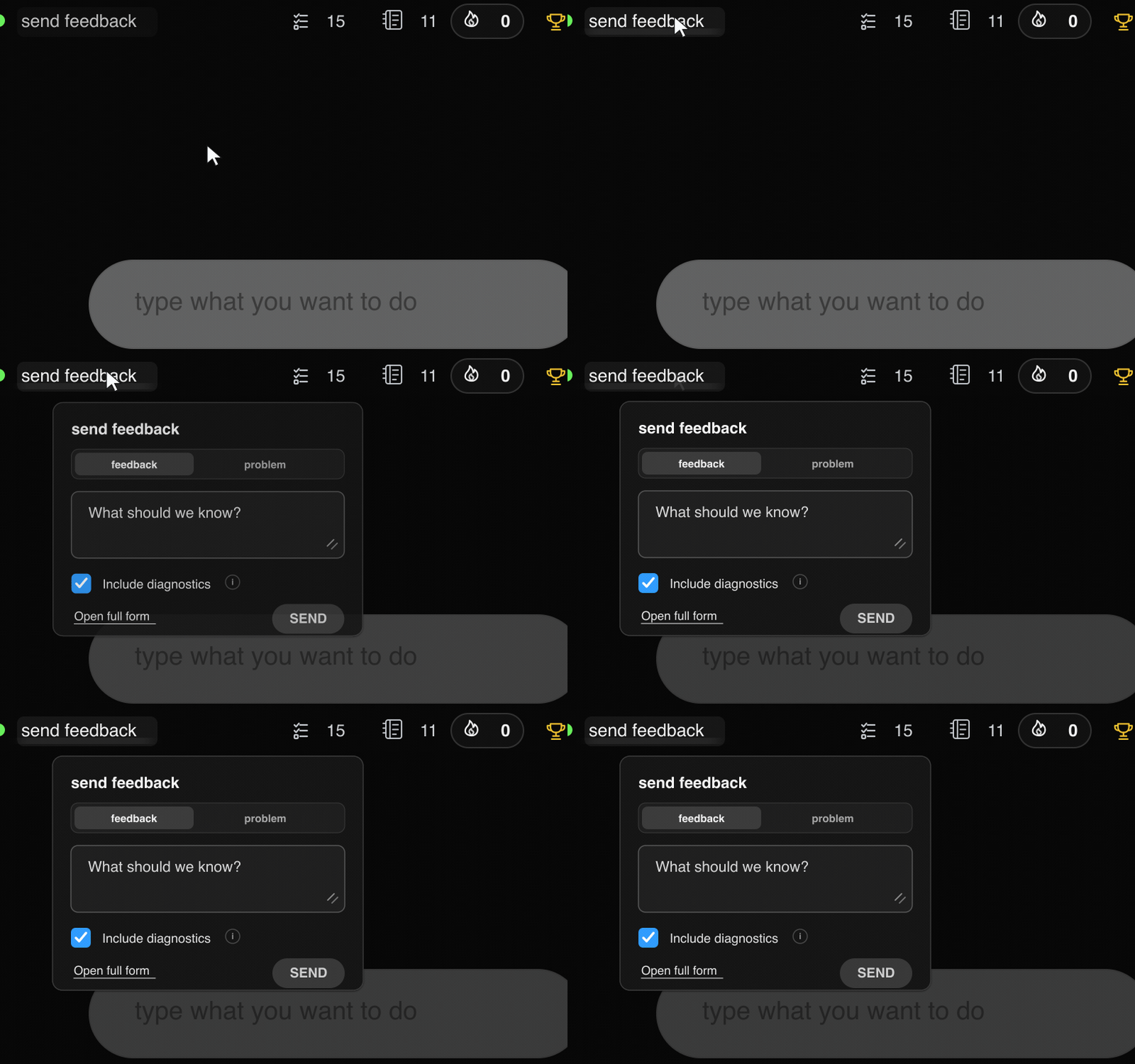
Use the send feedback button to share quick feedback with diagnostics, suggest an idea, or open the full form.
Track daily goals, tick progress, and finish the day with a Taby celebration.
Faster loading states. Planning and overlay fixes. Onboarding animation cleanup. Many small UI and bug fixes.
FixesFixed a Mac issue where Hey Taby could fail to open after the last update.
Digital Taby is now available, so you can use Taby directly from your screen.
You can move Digital Taby to a second monitor and bring it back whenever you like.
Turn on Activity in day view to see how your day filled in while you worked.
Break cleanup. Brightness stays put. Command menu polish. Performance improvements. Minor firmware and app fixes.
If an update is interrupted, Repair Taby helps get Taby back to normal.
Type "break 15 min" to start one right away, or type "break" to pick a length.
Fixed reminder animation selection. Settings stays where you left it when you switch apps. Themes look better after resizing and on Perfect Day. Updates pictures show up again. Digital-only keeps device options out of the way.
Theme tint now changes the home screen, app background, cards, buttons, and planning surfaces.
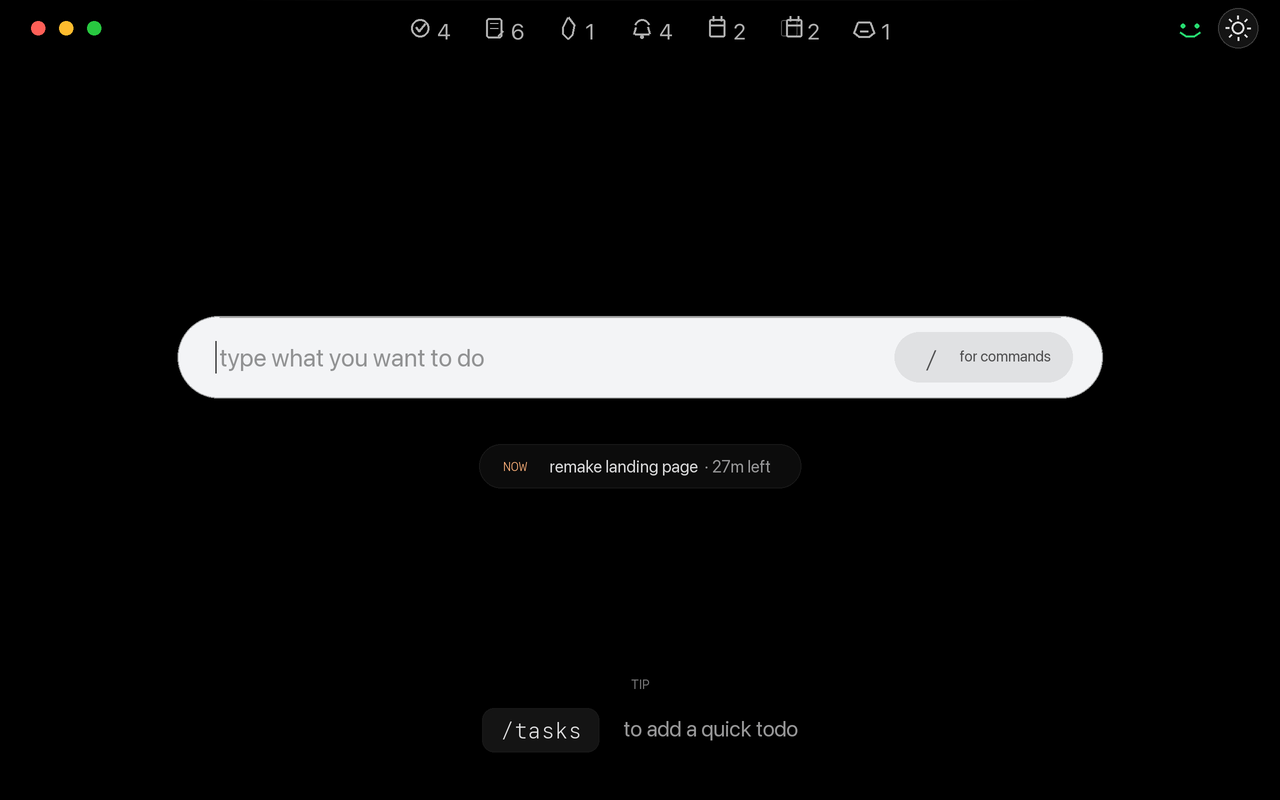
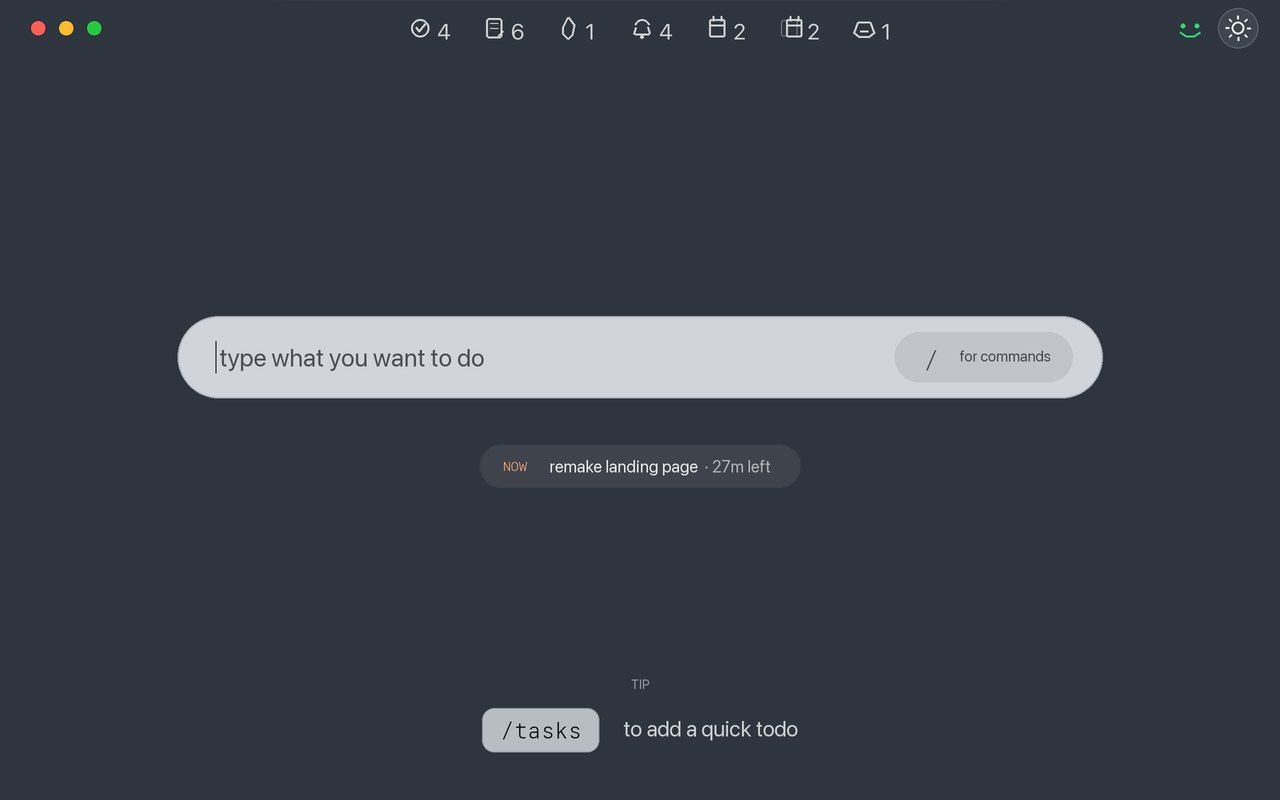
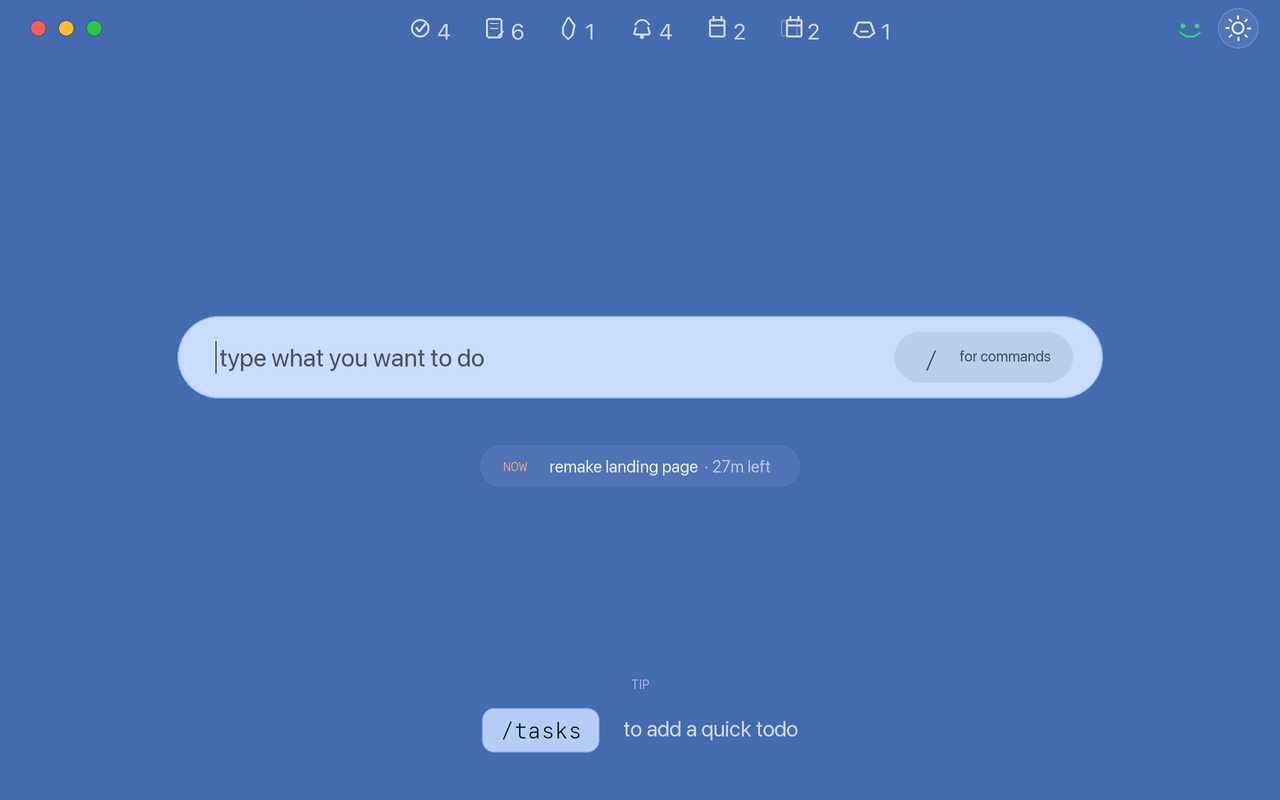
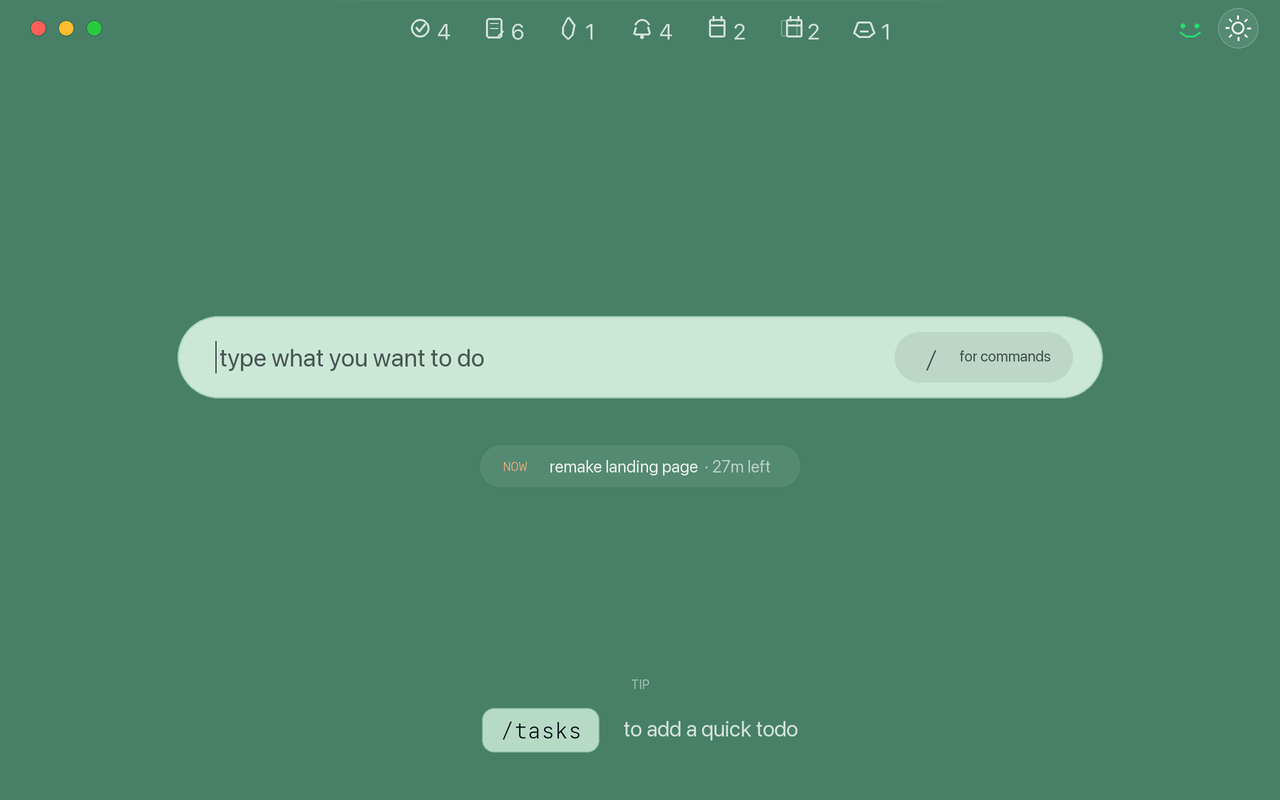
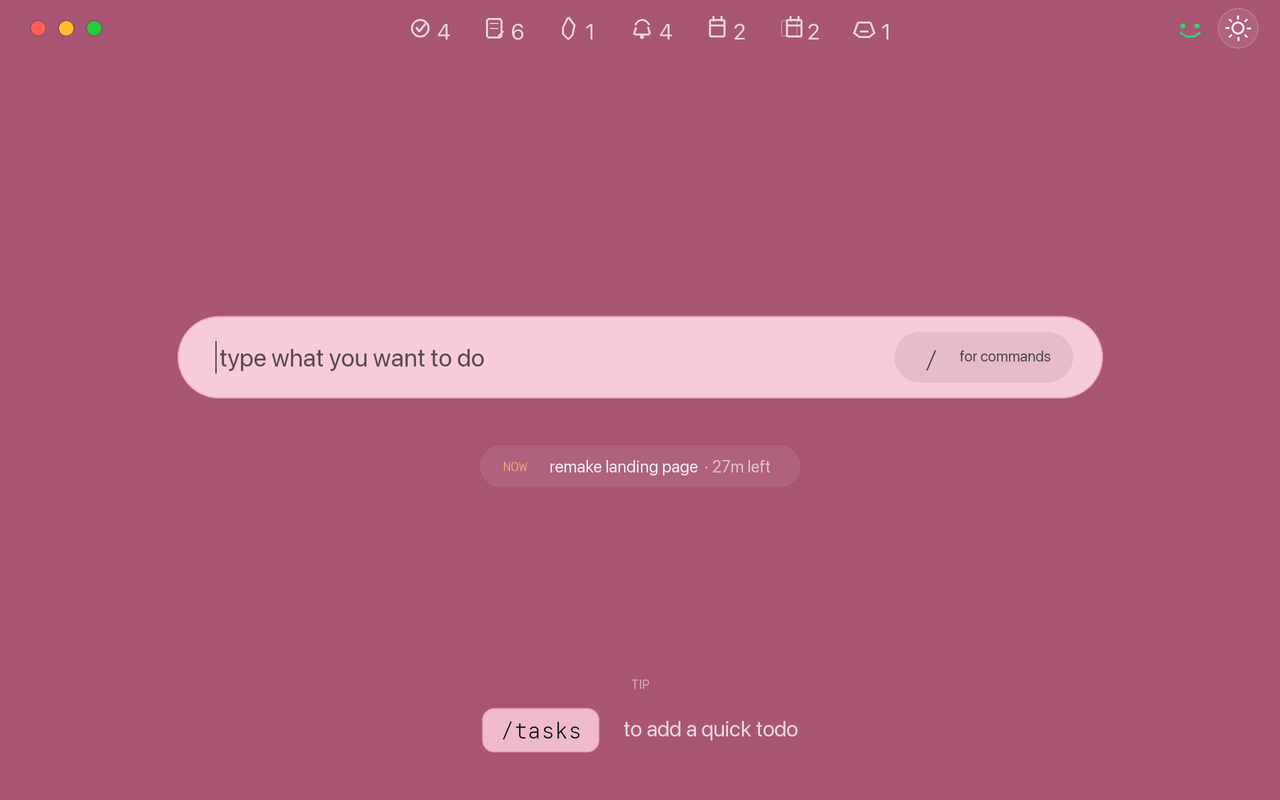
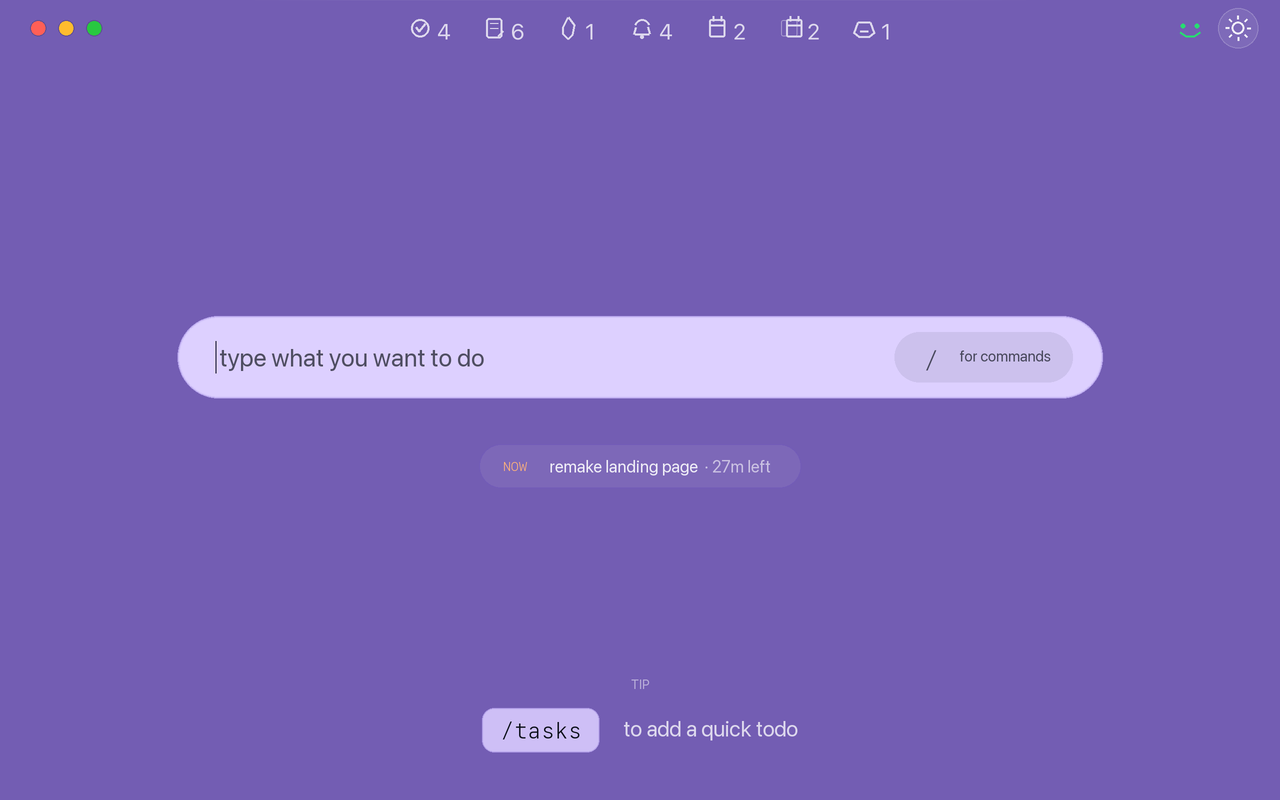
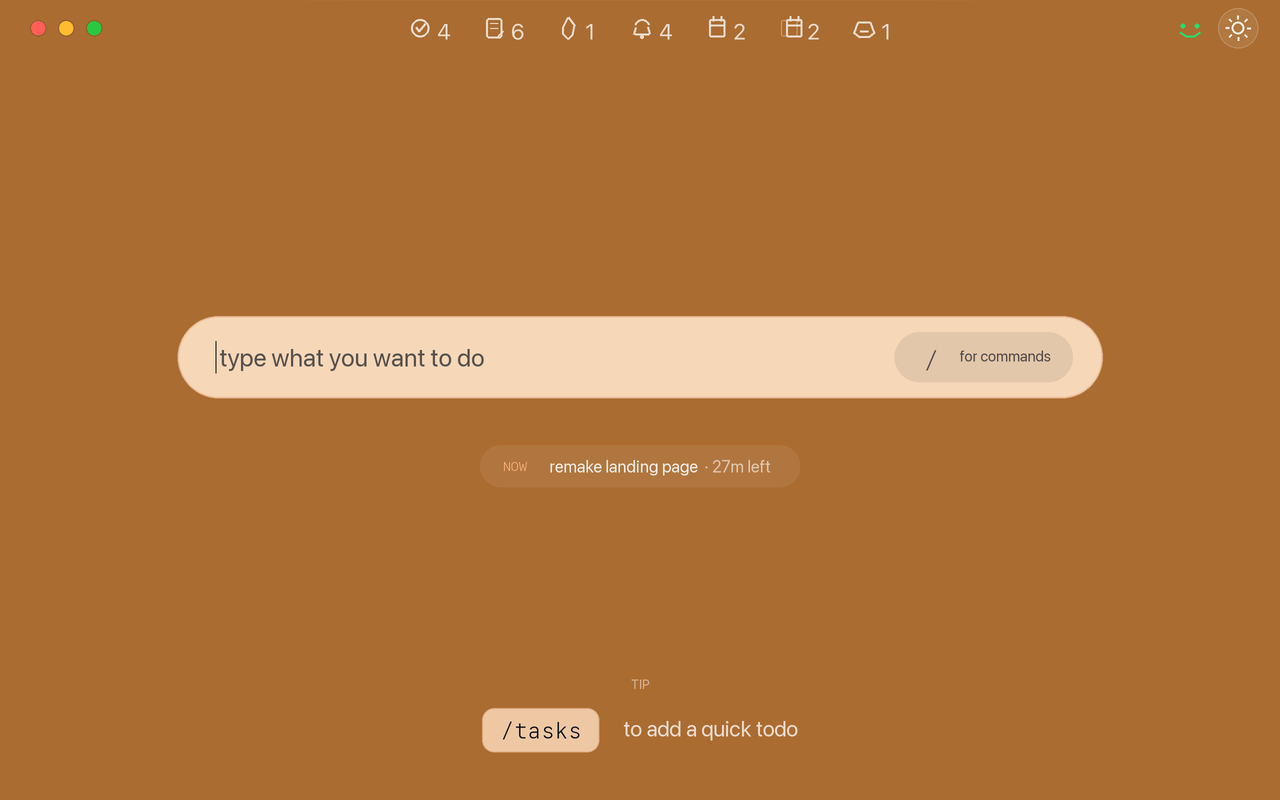
Taby shows when Claude Code or Codex finishes or needs you.
Day, week, and activity views are easier to scan while planning or reviewing.
Built-in prompts on Taby's screen use short labels in your selected language.
DRINK WATER
TRINK WASSER
BOIS DE L'EAU
DRINK WATER
BEVI ACQUA
BEBE AGUA
Reminder and distraction buttons stay on Taby until you answer or they time out.
When your laptop sleeps, Taby pauses Pomodoro and goes to sleep too. You can also set Pomodoro and inactivity time.
Taby has new animations like day planned, review, yeah, no, and more.
Settings can control Taby screen brightness, with separate light and dark mode levels.
Taby updates show clearer progress and work better on Windows USB-C ports.
After an app update, Hey Taby opens Updates so you can see what changed.
USB-C checks now show better details when Taby is connected or needs recovery.
Day and week planning are cleaner and easier to edit.
More buttons, filters, habits, and reminders are readable in dark mode.
Many more small visual and quality-of-life adjustments.
Activation codes can now be used twice.
Feedback can include a contact method for follow-up.
Settings now includes Dark mode.
Hey Taby is better at finding Taby over USB-C on Windows.
The connection screen can copy USB-C details for support.
The app now includes an Updates view.
If activation expires, Hey Taby asks you to activate again.
Hey Taby checks for app updates in the background.
The first public Hey Taby desktop app.
Now and next
The small set of things being built next. Dates can move as each part is tested and shipped.
Exploring WhatsApp, SMS, or a full mobile app so Taby can follow you beyond the desktop.
Making Taby understand your day better, answer more usefully, and give smarter help without feeling heavy.
Useful built-in tools like screen recording, background removal, image resizing, GIF conversion, cleanup, and more.
Ask Taby to do things for you: plan, organize, trigger actions, and handle small repetitive tasks.
This is the public changelog for Hey Taby, the desktop app for physical Taby and Digital Taby. It focuses on user-facing app, firmware, AI, planning, focus, device, and quality-of-life changes.
The entries are copied from the Updates view inside the app. App-only action buttons are hidden here because they open internal settings or app screens, but the release notes and visuals are the same source of truth.