“Plan my day”
Builds a simple plan from your tasks, with the hard thing first while you’re fresh.
Local AI, in plain words
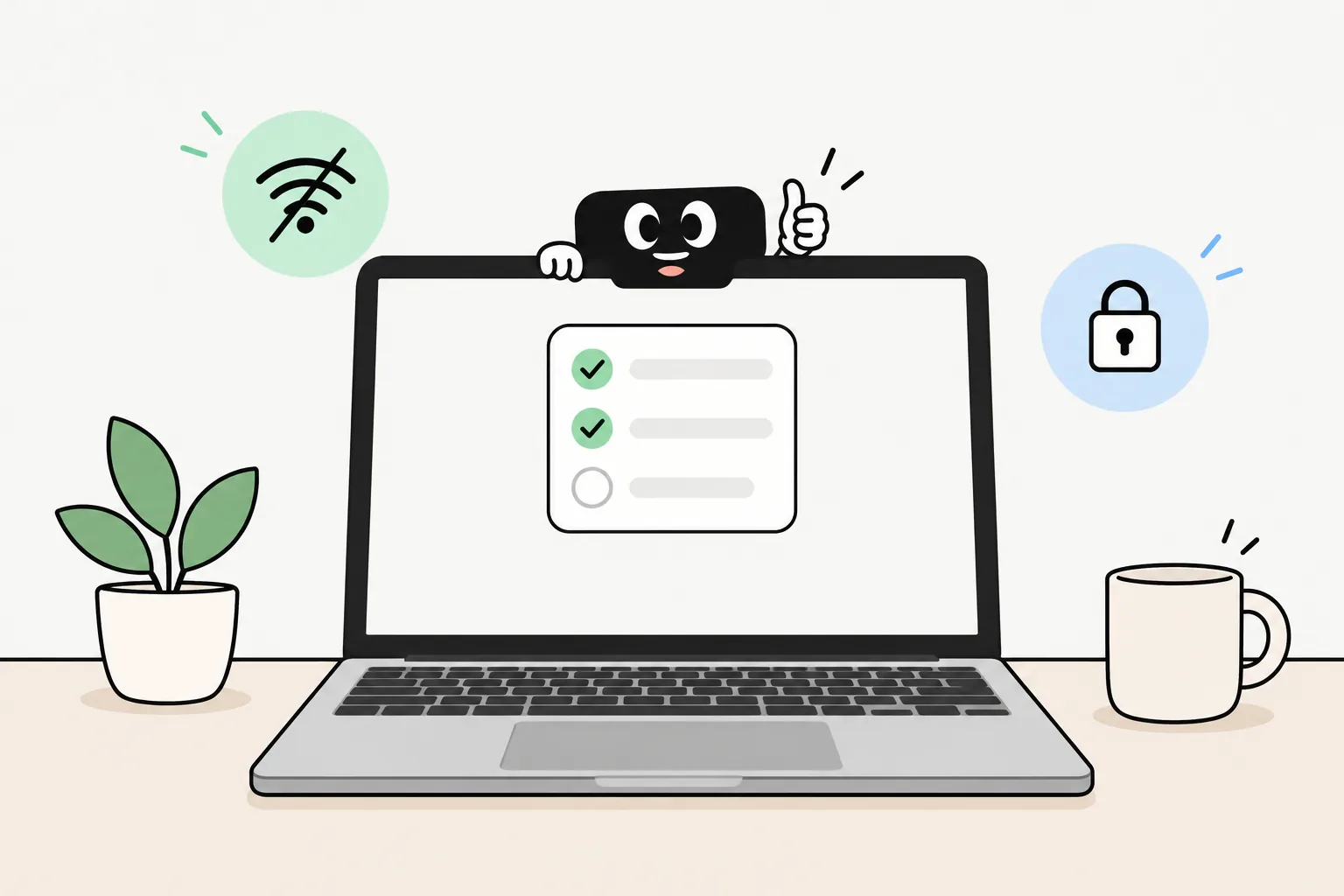
Taby is a little assistant at the top of your screen. Its AI runs on your own Mac or PC, so it’s free, private and works offline. No terminal, no setup.
Mac (Apple Silicon) and Windows · Linux soon
The basics
Most AI apps send what you type to a big computer somewhere else. Local AI runs the model on your own computer instead.
That means your words stay with you, it keeps working without internet, and there’s nothing to pay each month. The trade-off is that a laptop can’t run the very biggest models, so answers are a bit simpler than the best cloud AI.
Most local AI apps ask you to pick a model first, then stop at chat. Taby is the easy way: it picks, sets up and tests one model for you, then uses it to help with your day.
What Taby does with it
Move your mouse to the top of the screen. On a Mac, Taby lives in the notch. On Windows, a thin bar opens into Taby. Then type or talk.
Builds a simple plan from your tasks, with the hard thing first while you’re fresh.
Starts a focus timer and closes YouTube, Twitch or X until you’re done.
Sets a reminder that pops up at 4, even with the internet off.
Finds notes by meaning, so you don’t need the exact words.
Keeps your tasks, notes and habits in one place on your computer.
Shows your Google Calendar, Outlook or Apple Calendar events next to your tasks.
Talk to Taby and it talks back. Or type, if you prefer.
Claude, Codex and other AI agents can use Taby’s tasks over MCP.
A small animated face reacts while Taby works. Prefer no face? Switch it to just a text field in Settings.
Hardware fit
You don’t pick a model. Taby’s Local Brain is Qwen 3.5 4B, an open model from Alibaba. Taby picked it because it scored highest on Taby’s own test of 114 real tasks: about 96 of 114, against about 72 for Gemma 4 E2B. It’s mostly better at actually doing things, like moving, snoozing and completing tasks. Taby tuned it for everyday jobs like tasks, reminders and notes.
Qwen 3.5 4B needs about 4.3 GB of graphics memory. In practice that means:
Mac with Apple Silicon, 8 GB or more
Taby’s local AI runs right on your Mac. The memory is shared with the graphics, so the RAM number is the one that counts.
Windows PC with a graphics card (4 GB or more)
NVIDIA, AMD or Intel graphics all work. The model runs on the card, so answers come quickly.
Less than 8 GB, or a Windows PC without a graphics card
Taby’s Local Brain needs graphics memory, so Taby Cloud runs the AI for you instead. No graphics card needed.
If you run models in apps like Ollama or LM Studio, memory decides most of it. Sizes are counted in billions of parameters, like 4B or 12B. Bigger models are smarter, but slower and hungrier. A rough guide, not what Taby needs:
| Your computer | Model size | What to expect |
|---|---|---|
| 8 GB RAM | 1B to 4B, like Gemma 4 E2B or Qwen 3.5 4B | Fine for short questions, tasks and notes. Bigger models feel slow. |
| 16 GB RAM | 4B up to about 9B, like Gemma 4 E4B or Qwen 3.5 9B | Quick everyday answers with room left for your other apps. |
| 24 GB RAM | 9B to 12B, like Gemma 4 12B | Stronger answers, but each reply takes longer. |
| 32 GB RAM or more | Bigger models, up to about 27B. Not what Taby runs | Big models load, but can be slow without a strong graphics card. |
| Windows PC, 6 to 8 GB VRAM | About 4B on the graphics card | Fast, because the whole model fits on the card. |
| Windows PC, 12 GB VRAM or more | 8B to 12B on the graphics card | Fast and stronger. |
Based on 4-bit models and normal chat length. On Apple Silicon Macs the memory is shared with the graphics, so the RAM number is the one that counts.
Your tasks, notes, habits and day history live on your computer. The local AI runs there too. Nothing you write is used to train models.
If you turn on Taby Cloud, only what a request needs is sent, under Zero Data Retention: the AI providers keep nothing afterwards.
On a plane, on a train, or on bad café Wi-Fi, Taby still answers, plans and reminds. Only Cloud extras like web search need the internet.
Taby picks, sets up and tests its model for you. It’s part of the app, so there’s nothing else to install.
How it compares
They’re all good at different things. Ollama runs AI models. OpenClaw is a powerful agent you host yourself. Taby is a ready-made assistant for your day.
Runs almost any open model, with a chat app and a developer API. Great for trying models and building things. It doesn’t keep your tasks or plan your day.
Taby vs OllamaA powerful agent you message from WhatsApp or Telegram. It can run commands and browse. You install it in the terminal, add an AI key, and keep an eye on security.
Taby vs OpenClawThe easy way to use local AI: download, open, ask. Taby picks and sets up the model for you. It lives at the top of your screen and handles tasks, notes, reminders, focus and your calendar.
Get Taby freeOptional
Taby Cloud adds a bigger AI for harder jobs, web search, image generation and editing, very accurate voice in 100+ languages, and Taby on your phone. It’s €8.99 a month, and you never need it to use the free app.
Quick answers
Local AI means the AI model runs on your own computer instead of on a company’s servers. What you type stays on your computer, it keeps working without internet, and there is no monthly bill.
Yes. The Taby app and its local AI are free, with no account needed. Taby Cloud is an optional upgrade at €8.99 a month for a bigger brain, web search, images and more voice languages.
No. Download Taby, open it, and it sets up its own AI model for you. That is a one-time download of about 4–5 GB. You never type a command, pick a model or change a setting.
One Local Brain for everyone: Qwen 3.5 4B, an open model from Alibaba. Taby picked it because it scored highest on Taby’s own test of 114 real tasks, and it reads images too. Taby tuned it for everyday jobs like tasks, reminders and notes. You don’t pick models or settings.
For Taby’s local AI: 8 GB of memory or more (a graphics card on Windows). Less than that, or no graphics card on Windows? Taby Cloud runs the AI for you. Check your own computer in 20 seconds with the free checker at heytaby.com/tools/can-my-computer-run-local-ai.
Yes. The local AI runs on your computer, so Taby keeps answering with the Wi-Fi off. Taby Cloud features like web search need a connection.
Taby runs on Apple Silicon Macs and Windows 10 and 11. Linux is coming soon. The app comes in 14 languages. Local voice listens in 8 languages and talks in 11, and Taby Cloud voice listens and talks in 100+ languages.
Download Taby, open it, and ask it to plan your day. No account, no terminal, no monthly bill.