Hey Taby

Honest comparison

Taby vs Copilot

Copilot is Microsoft’s AI assistant, built into Windows and answered online. Taby is a free assistant whose AI runs on your own PC: it works offline, needs no account and never trains on what you write. You can use both.

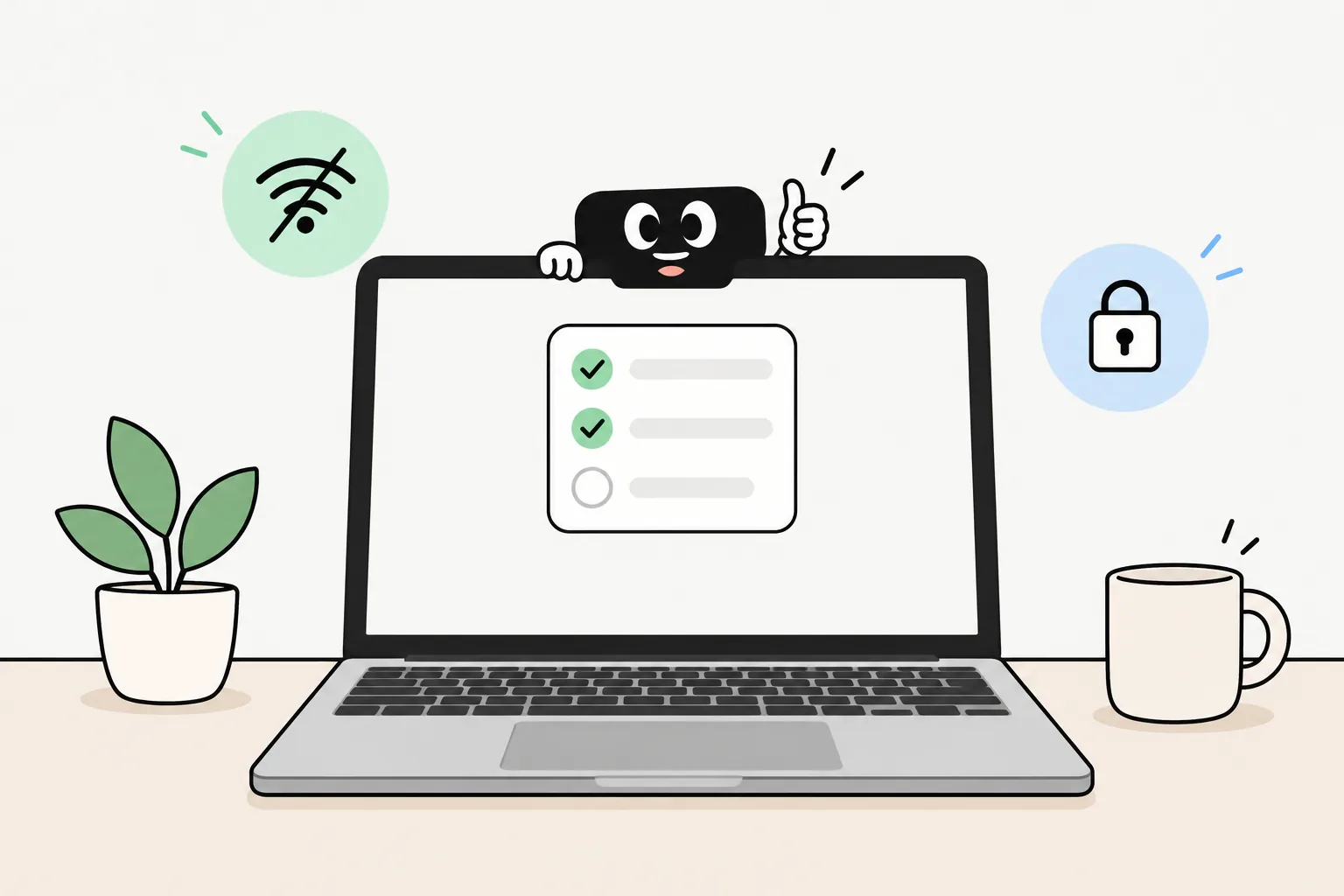
Taby on a laptop, answering with the AI running right on the computer

The short answer

Pick Copilot if you want the web, images and help inside Word, Excel and Outlook, and you’re fine with your chats going to Microsoft. Pick Taby if you want an assistant that stays on your computer: it works offline, needs no account, and helps with your day.

Copilot

What Copilot is

Microsoft Copilot is Microsoft’s AI assistant. On new Windows 11 PCs the app is already installed: press the Copilot key or Windows key + C. It’s also on Mac, phones and the web.

It chats, searches the web and creates images, and with Microsoft 365 it works inside Word, Excel, PowerPoint and Outlook. The answers come from Microsoft’s online service, so it needs the internet, and the Windows app asks you to sign in with a Microsoft account.

Taby

What Taby is

Taby is a little assistant at the top of your screen: a thin bar on Windows, the notch on a Mac. The AI comes with it and runs on your own computer. No account, no setup.

Instead of only chatting, Taby keeps your tasks and notes, sets reminders, plans your day and closes distractions. Think Clippy, but one that actually helps.

Private by default

Where your words go

When you ask Copilot something, it goes to Microsoft to be answered. Microsoft keeps your Copilot conversations for 18 months by default, and for signed-in personal accounts it may use them to train its AI unless you turn that off in Settings → Privacy.

Taby’s local AI answers on your computer, so there’s nothing to send. Your tasks, notes, habits and day history live there too, and nothing you write is used to train models. The app does send content-free usage stats, like which features get used and whether it crashed, and you can turn that off in Settings.

Taby runs Qwen 3.5 4B on your computer. It reads images too, and answers in all 14 app languages. It needs 8 GB of memory or more (a graphics card on Windows). No graphics card? Taby Cloud runs the AI for you instead, under Zero Data Retention.

Side by side

Taby and Copilot compared

Taby compared with Microsoft Copilot
CopilotTaby
What it isMicrosoft’s AI assistant, already installed on new Windows 11 PCsA personal assistant at the top of your screen, with local AI built in
Where the AI answersOnline, on Microsoft’s serviceOn your computer. Taby Cloud is optional
Works without internetNoYes
Account neededA Microsoft account for the Windows appNo, not for the app or the local AI
Your chatsSaved by Microsoft for 18 months by default. You can delete themYour tasks, notes, habits and day history stay on your computer
Used to train AI modelsCan be, for signed-in personal accounts. You can turn it off in SettingsNever
Searches the web, knows the newsYesWith Taby Cloud (optional)
Works inside Word, Excel, PowerPoint, OutlookYes, with Microsoft 365No
Creates imagesYesReads images, doesn’t create them yet
Talk with your voiceYes, onlineYes, and local voice works offline
MacYesYes, Apple Silicon Macs
What your PC needsAn internet connectionFor the local AI: 8 GB of memory or more (a graphics card on Windows)
PriceFree. More use and Copilot in Office apps with Microsoft 365, from $9.99 a month (US)Free. Taby Cloud is €8.99 a month

Checked October 2026 on Microsoft’s own pages. Copilot prices are US prices. Both apps change often.

Where Copilot wins

  • It knows the web: it searches the internet and answers with up-to-date information
  • Already on new Windows 11 PCs: press the Copilot key or Windows key + C
  • Works inside Word, Excel, PowerPoint and Outlook with a Microsoft 365 plan
  • Creates images from a sentence
  • Copilot Vision can look at your screen or camera and help with what it sees
  • Free to start, and also on Mac, phones and the web
  • No graphics card needed, because the AI runs online

Where Taby wins

  • The AI runs on your own computer, so what you write to it stays there
  • Works with the Wi-Fi off
  • No account: download, open, ask
  • Nothing you write is used to train models. No setting to hunt for
  • It does things: tasks, reminders, notes, habits and a plan for your day
  • Closes YouTube, Twitch or X while you focus
  • Google Calendar, Outlook and Apple Calendar built in
  • Lives at the top of your screen, with a little face (or just a text field)

About Recall

Copilot, Recall and your screen

Recall is often mixed up with Copilot, but it’s a separate Windows feature. It only exists on Copilot+ PCs. When you turn it on, it saves snapshots of your screen every so often, so you can later search for things you’ve seen.

To be fair to Microsoft: Recall is off until you choose to turn it on, the snapshots are encrypted and stay on your PC, you need Windows Hello to open them, and you can remove Recall completely.

Taby doesn’t need Recall or a Copilot+ PC. It works the same with Recall on, off or removed.

Quick answers

Taby vs Copilot questions

Is Taby a private alternative to Copilot?

For everyday help, yes. Taby’s local AI answers on your own PC, so what you write to it doesn’t go to a server. It works offline, needs no account, and nothing you write is used to train models. For web search, the news, images or help inside Office apps, Copilot does more, because it runs online.

Does Copilot work offline?

No. Copilot answers from Microsoft’s online service, so it needs an internet connection. Taby’s local AI keeps working with the Wi-Fi off. Only Taby Cloud extras, like web search, need the internet.

Does Copilot use my conversations to train AI?

It can. Microsoft says it may train its AI models on Copilot conversations from signed-in personal accounts, after removing things like names and email addresses. You can turn that off in the Copilot app under Settings → Privacy. Microsoft doesn’t train on people who aren’t signed in, people under 18, work or school accounts, or people in a few countries. Taby never uses what you write to train models.

What is Recall, and does Taby need it?

Recall is a Windows feature, separate from the Copilot app. It only exists on Copilot+ PCs. When you turn it on, it saves snapshots of your screen every so often, so you can search for things you’ve seen. Microsoft says it’s off until you choose to turn it on, the snapshots are encrypted and stay on your PC, and you can remove Recall completely. Taby doesn’t need Recall and works the same with it on or off.

Do I need a Microsoft account?

For the Copilot app on Windows, yes: Microsoft says the Windows app needs a Microsoft account. Taby needs no account at all. The desktop app and the local AI are free.

Is Copilot free?

Yes, Copilot is free to use on Windows. For more use and Copilot inside Word, Excel, PowerPoint and Outlook, Microsoft sells Microsoft 365 plans, from $9.99 a month in the US. The old Copilot Pro plan is no longer sold. Taby is free too, and Taby Cloud is an optional upgrade.

Will Taby’s local AI run on my Windows PC?

Taby runs on Windows 10 and 11. Its local AI needs 8 GB of memory or more (a graphics card on Windows). If your PC can’t run it, Taby Cloud does the AI part instead. The free checker tells you in about 20 seconds.

What about Taby Cloud? Isn’t that online too?

Yes, and it’s optional. Taby Cloud (€8.99 a month) adds a bigger brain, web search and voice in 100+ languages. When you use it, only what that request needs is sent, under Zero Data Retention: the AI providers process it and keep nothing afterwards. Your tasks, notes and habits stay on your computer either way.

Can I use Copilot and Taby together?

Yes. They’re separate apps and run side by side. You could keep Copilot for web questions and Office, and use Taby for your day: tasks, reminders, notes and focus, privately on your own computer.
A private assistant, ready to go

Download Taby, open it, and ask it to plan your day. The AI runs on your own computer. No account, no internet needed.