Hey Taby

Honest comparison

Taby vs Ollama

Ollama is a great way to run any open AI model on your computer. Taby is the easy way to use local AI: it picks and sets up one model for you, then helps with your day. You can use both.

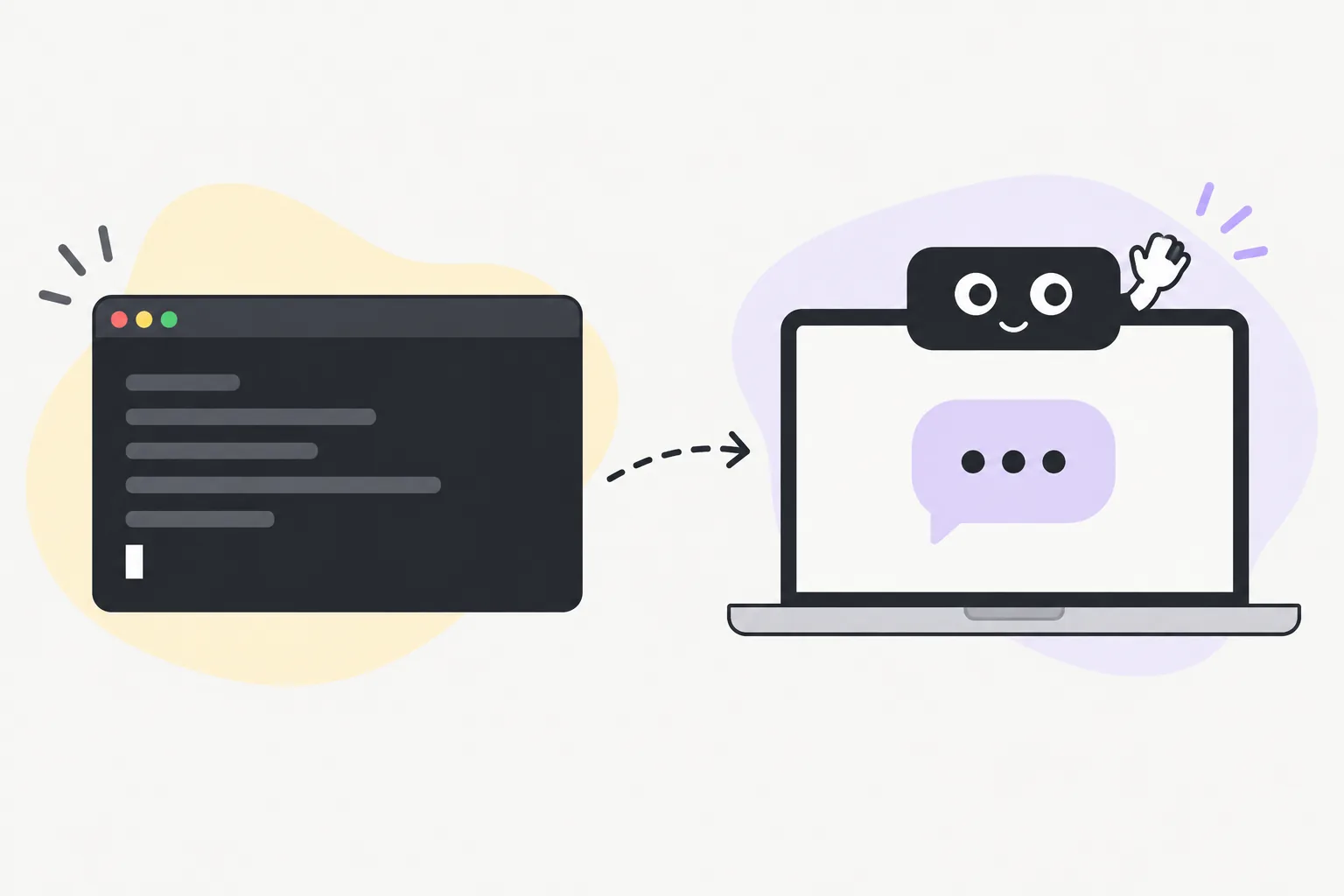
A terminal window next to a laptop with Taby waving from the notch and a chat bubble on screen

The short answer

Pick Ollama if you want maximum choice: lots of models, your own settings, an API, or coding tools on local models. Pick Taby if you want local AI without choosing anything: Taby picks, sets up and tests the model, then helps with your day.

Ollama

What Ollama is

Ollama downloads and runs open AI models, like Gemma and Qwen, on your own computer. It has a desktop chat app for Mac and Windows, plus a command-line tool and a local API for everything else.

It’s free and open source. Developers love it because other apps and coding tools can plug into it.

Taby

What Taby is

Taby is a little assistant at the top of your screen: the notch on a Mac, a thin bar on Windows. The AI model comes with it and runs on your computer. You never choose a model, a size or a setting.

Instead of only chatting, Taby keeps your tasks and notes, sets reminders, plans your day and closes distractions. Think Clippy, but one that actually helps.

Picked for you

One model, picked and tested

With Ollama, choosing is part of the fun: which model, which size, which version. Taby does that work for you, so you can just ask.

Taby’s Local Brain is Qwen 3.5 4B, an open model from Alibaba. Taby picked it because it scored highest on Taby’s own test of 114 real tasks: about 96 of 114, against about 72 for Gemma 4 E2B. It’s mostly better at actually doing things, like moving, snoozing and completing tasks. Taby tuned it for everyday jobs like tasks, reminders and notes.

It needs 8 GB of memory or more (a graphics card on Windows). No graphics card? Taby Cloud runs the AI for you instead.

Side by side

Taby and Ollama compared

Taby compared with Ollama
OllamaTaby
What it isRuns open AI models on your computerA personal assistant at the top of your screen, with local AI built in
Picking a modelYou choose from a huge library: model, size and versionTaby picks one, sets it up and tests it for you
Settings to learnContext length, quantization, custom modelsNone
Which modelAny open model you likeQwen 3.5 4B, picked on Taby’s own 114-task test
Desktop chat appYes, on Mac and WindowsYes, on Mac and Windows
Terminal neededFor the command line, custom models and the APINever
Use your Ollama modelsYesNo, Taby runs its own model
Developer APIYes, works with OpenAI and Anthropic style appsYes, for tasks (MCP and local API)
Run Claude Code or Codex on local modelsYes, with ollama launchNo
Tasks, reminders, notes, habitsNoYes
Plan your day, focus timer, close distracting appsNoYes
CalendarNoGoogle, Outlook, Apple
Find notes by meaningEmbeddings API for your own codeBuilt in
Talk with your voiceNot built inYes
A little face that reactsNoYes, or hide it
Works offlineYesYes
LinuxYesSoon
PriceFree and open source. Paid cloud plansFree. Taby Cloud is €8.99 a month

Checked October 2026. Both apps change often.

Where Ollama wins

  • Maximum choice: pick from a huge library of open models, including Gemma 4 and Qwen 3.5
  • A local API that works with apps built for OpenAI or Anthropic
  • ollama launch runs Claude Code, Codex and other coding tools on local or cloud models
  • Fine control over context length, model versions and custom models
  • Runs on Linux today, and it’s open source (MIT)

Where Taby wins

  • The easy way to use local AI: Taby picks, sets up and tests the model for you
  • No terminal, no model files, no settings: download, open, ask
  • It does things: tasks, reminders, notes, habits and a plan for your day
  • Closes YouTube, Twitch or X while you focus
  • Finds your notes by meaning, not just exact words
  • Talk to it and it talks back
  • Google Calendar, Outlook and Apple Calendar built in
  • Lives at the top of your screen, with a little face (or just a text field)

Both is fine

Can you use both?

Yes. They run side by side without getting in each other’s way. Taby brings its own model, so it doesn’t need Ollama, and it doesn’t use your Ollama models as its brain.

Where they meet: if you run an agent like Claude Code through Ollama, you can connect it to Taby over MCP, and it can read and add tasks for you. Ollama does the model work, and Taby keeps your day.

Quick answers

Taby vs Ollama questions

Is Taby built on Ollama?

No. Taby brings its own AI engine inside the app, so you don’t need Ollama installed. Taby downloads and sets up its model the first time you open it.

Does Ollama have an app, or is it terminal only?

Ollama has a desktop chat app for Mac and Windows since 2025. You can chat with a model there without the terminal. The command line is still where you manage custom models, the API and coding tools, and on Linux Ollama is command line only.

Can Taby use my Ollama models?

No. Taby runs its own model, which it downloads, sets up and keeps up to date by itself. Your Ollama models stay separate, and the two apps run side by side without getting in each other’s way.

Which model does Taby use, and can I pick another one?

Taby uses one Local Brain, Qwen 3.5 4B. It scored highest on Taby’s own test of 114 real tasks, so Taby uses it for everyone and you don’t pick models, sizes or settings. If you want to try lots of models, that’s what Ollama is great at.

What computer does Taby’s local AI need?

8 GB of memory or more (a graphics card on Windows). If your computer can’t run it, Taby Cloud does the AI part instead, with no graphics card needed.

Which one is easier for beginners?

For plain chat, Ollama’s app is simple too, but you still choose a model and its size. Taby makes that choice for you, and it also helps with your day: tasks, reminders, focus and your calendar, without any setup.

Are both free?

Yes. Both run models on your computer for free. Ollama also sells cloud plans for bigger models. Taby Cloud is an optional €8.99 a month upgrade with a bigger brain, web search, images and voice in 100+ languages.

Can I use Claude Code with Ollama and Taby?

Yes. Ollama can run Claude Code on local models with ollama launch. Taby works next to it: Claude Code, Codex and other agents can read and add Taby tasks over MCP once you allow it in Taby’s settings.

Local AI, ready to go

Download Taby, open it, and ask it to plan your day. The model comes with it. No terminal, no account.