Hey Taby

Honest comparison

Taby vs OpenClaw

OpenClaw is a powerful AI agent you host yourself. Taby is a small assistant for your day that you just download. Here’s which one fits you.

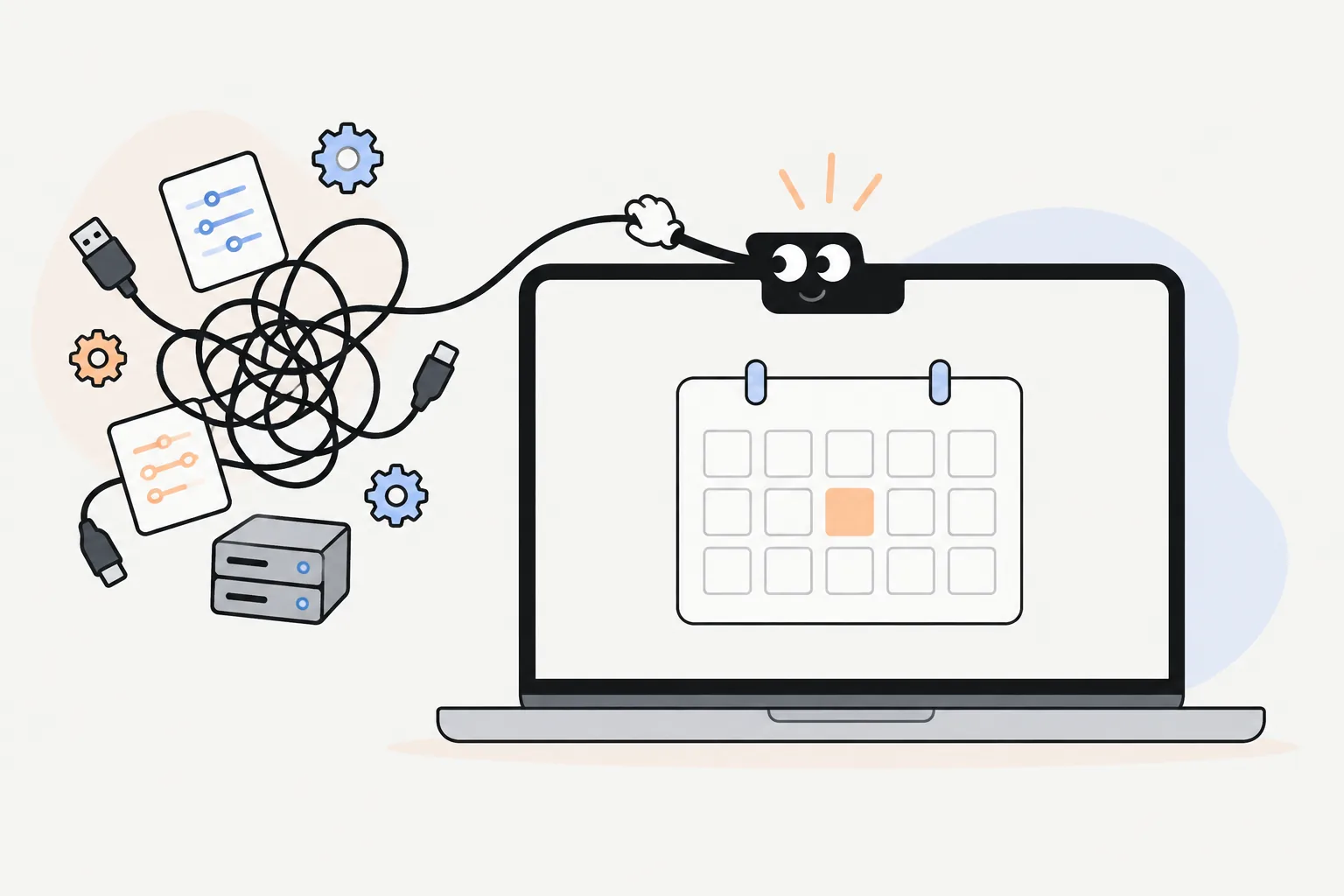
Taby untangling a pile of cables, settings files and a small server next to a laptop showing a calendar

The short answer

Pick OpenClaw if you’re happy in the terminal and want an agent that can do almost anything on your computer. Pick Taby if you want the easy way to use local AI: Taby picks, sets up and tests the model for you, then helps with your day. No API key and no bill.

OpenClaw

What OpenClaw is

OpenClaw connects chat apps like WhatsApp, Telegram, Slack, Discord, Signal and iMessage to an AI agent that runs on your own machine. The agent can run commands, browse the web, read and write files, handle email and manage your calendar.

It’s free and open source (MIT), and run by the nonprofit OpenClaw Foundation. You pay for the AI model you connect to it.

Taby

What Taby is

Taby is a little assistant at the top of your screen: the notch on a Mac, a thin bar on Windows. Its AI model comes with the app and runs on your computer, for free. Taby picks and sets up the model, so there’s nothing to choose.

It keeps your tasks and notes, sets reminders, plans your day, closes distractions and talks with you. Think Clippy, but one that actually helps.

Setting up OpenClaw

You install OpenClaw with a script in the terminal or with npm, which needs a recent Node.js. Then you run its onboarding, connect your chat apps and add an AI model.

On Windows there’s a Windows app, and WSL2 for the most complete setup. For local models it works with Ollama or LM Studio, and its docs suggest at least 8 GB of memory and the strongest model you can run.

Security, in plain words

An agent that can run commands and read your files is powerful, so it needs care. OpenClaw’s own docs cover this well: a built-in security audit, only listening on your own computer by default, and a clear warning to treat other people’s skills as untrusted code.

Early in 2026, researchers found many setups open to the internet and malicious skills on its skill store. The project has added fixes since. Taby takes a smaller approach: it doesn’t run terminal commands at all.

Setting up Taby

One model, picked and tested for you

With OpenClaw you choose an AI model, then add a key or run it through Ollama or LM Studio. With Taby you download the app and it sets up its own model. No key, no model files.

Taby’s Local Brain is Qwen 3.5 4B, an open model from Alibaba. Taby picked it because it scored highest on Taby’s own test of 114 real tasks: about 96 of 114, against about 72 for Gemma 4 E2B. It’s mostly better at actually doing things, like moving, snoozing and completing tasks. Taby tuned it for everyday jobs like tasks, reminders and notes.

It needs 8 GB of memory or more (a graphics card on Windows). No graphics card? Taby Cloud runs the AI for you instead.

Side by side

Taby and OpenClaw compared

Taby compared with OpenClaw
OpenClawTaby
What it isAn AI agent you host yourself and message from chat appsA personal assistant at the top of your screen
SetupTerminal install, onboarding, and an AI key or local modelDownload and open
Where you talk to itWhatsApp, Telegram, Slack, Discord, Signal, iMessage and moreTop of your screen, by typing or voice
AI modelYour own key from OpenAI, Anthropic and others, or a local model through Ollama or LM StudioA local model comes with it. Taby Cloud is optional
Picking a modelYou choose. Its docs suggest the strongest model you can useTaby picks one, sets it up and tests it for you
Which local modelAny model Ollama or LM Studio can runQwen 3.5 4B, picked on Taby’s own 114-task test
CostFree software. You pay for the AI you connectFree. Taby Cloud is €8.99 a month
Runs commands, controls a browser, edits filesYesNo
EmailYesNo
CalendarYesGoogle, Outlook, Apple
Tasks, reminders, notes, habits, focus timerPossible with skills and scheduled jobsBuilt in
Works offlineOnly with a local modelYes
ComputersMac, Windows, Linux, plus phone appsApple Silicon Mac, Windows. Linux soon
A little face that reactsNoYes, or hide it

Checked October 2026. Both projects change often.

Where OpenClaw wins

  • It can do far more: run commands, browse, edit files, send email
  • Talk to it from WhatsApp, Telegram, Slack, Discord and other chat apps
  • Use any big AI model you have a key for
  • A large library of community skills
  • Open source (MIT), run by a nonprofit foundation, works on Linux

Where Taby wins

  • No terminal, no Node, no API key: download, open, ask
  • The easy way to use local AI: Taby picks, sets up and tests the model for you
  • The local model comes with it, so the free version costs nothing to run
  • Tasks, reminders, notes, habits and focus built in, ready on day one
  • Closes distracting apps while you focus, and plans your day
  • Smaller on purpose: it doesn’t run terminal commands
  • Lives at the top of your screen, with a little face (or just a text field)

Quick answers

Taby vs OpenClaw questions

What is OpenClaw?

OpenClaw is a free, open-source AI agent that you host yourself. You connect it to chat apps like WhatsApp or Telegram and to an AI model, and it can run commands, browse the web, manage files, email and your calendar for you.

How hard is OpenClaw to install?

You install it with a script in the terminal or with npm (it needs a recent Node.js), then run its onboarding. On Windows there is a Windows app, or you can use WSL2. You also connect an AI model, usually with an API key. It’s comfortable for developers and a lot for everyone else.

Is OpenClaw safe?

It can be set up carefully, and its docs help: there is an openclaw security audit command, it listens only on your own computer by default, and the docs say to treat third-party skills as untrusted code. Early in 2026, researchers found many exposed setups and malicious skills on its skill store, and the project has added fixes since. An agent that can run commands deserves care.

Can OpenClaw use local models?

Yes, through Ollama or LM Studio. Its docs recommend the strongest model you can use, and say small local models are weaker and lack the safety filters of hosted ones.

Can Taby do what OpenClaw does?

Not all of it, on purpose. Taby doesn’t run terminal commands, send email or control your browser. It focuses on everyday jobs: tasks, notes, reminders, focus, your calendar and planning your day, with a local model that needs no setup.

Is Taby free?

Yes. The app and its local AI are free, with no account and no API key. Taby Cloud is an optional €8.99 a month upgrade with a bigger brain.

Which AI model does Taby use?

One Local Brain for everyone: Qwen 3.5 4B, an open model that runs on your computer. Taby picked it because it scored highest on Taby’s own test of 114 real tasks. You don’t choose models, keys or settings. It needs 8 GB of memory or more (a graphics card on Windows).

Can I use both?

Yes. They do different jobs and run side by side. Use OpenClaw for big automations you message from your phone, and Taby for your day on your computer.
An AI helper, without the setup

Download Taby, open it, and ask it to plan your day. No terminal, no API key, no monthly bill.