Hide private info
Blur, pixelate or cover emails, phone numbers, long numbers, faces and any word you name. “Safe to share” does it all in one go, so you don’t miss the one email in the corner.
Image editor
Say “make it safe to share” and Taby hides the emails, phone numbers and faces in your screenshot. Then crop it, add an arrow, done. The picture never leaves your computer.
New in Taby 1.0.14
The short answer
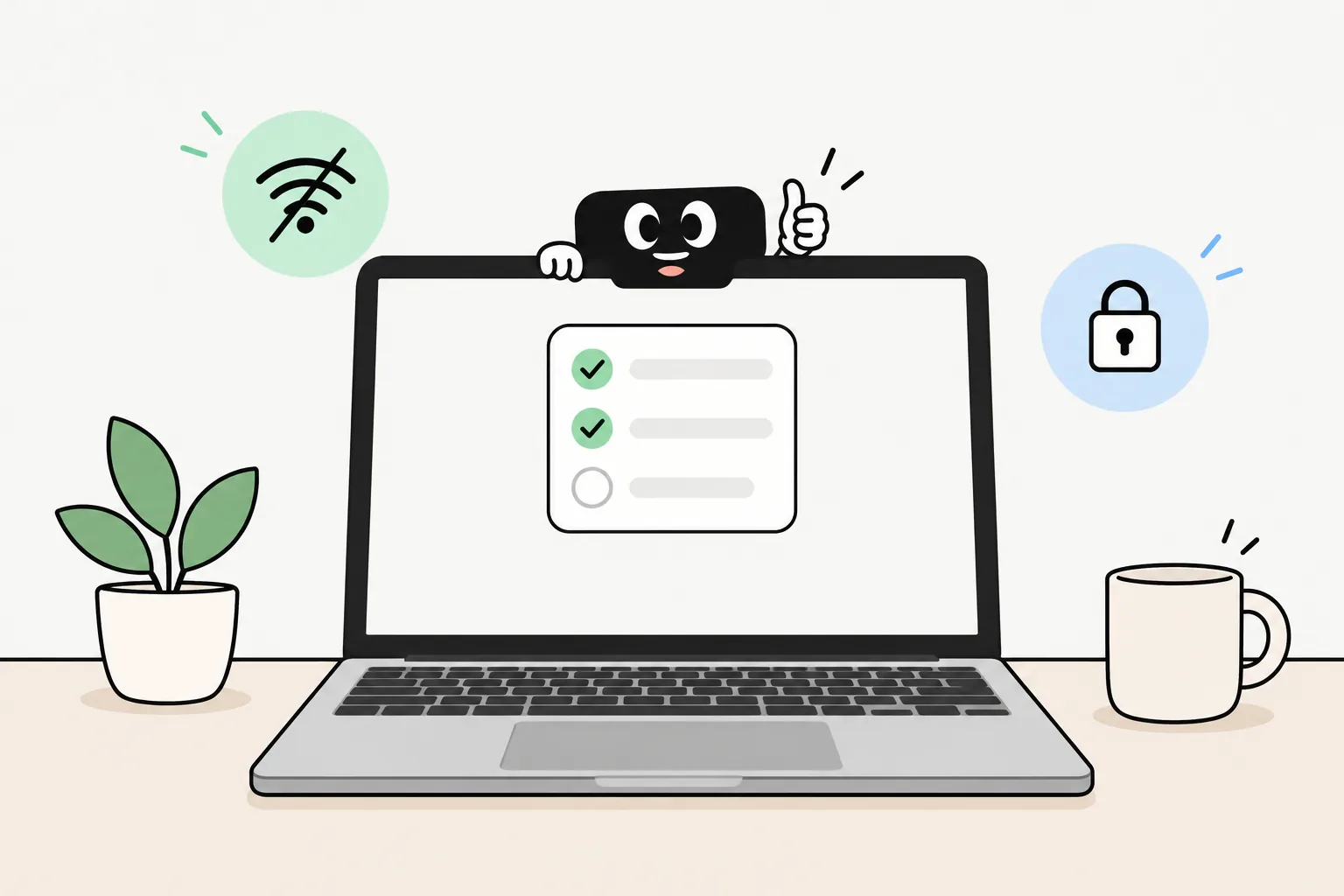
Sharing a screenshot shouldn’t mean sharing your email. New in Taby 1.0.14, Taby has a smart image editor: ask it to blur, pixelate or cover private info, or do it by hand, then crop, resize and mark it up. It all runs on your own computer, offline. Only creative edits, like a new style, use Taby Cloud.
Say it, it’s done
“Blur my email”
Finds your email address in the picture and blurs it.
“Make it safe to share”
Hides emails, phone numbers, long numbers and faces in one go.
“Cover the name Anna”
Covers that word wherever it shows up in the picture.
“Pixelate the faces”
Finds the faces and pixelates them.
“Copy the text from this”
Reads the text in the picture so you can paste it anywhere.
“Make it smaller for email”
Resizes and compresses it, so it sends without fuss.
New in Taby 1.0.14. You can also do all of it by hand.
What it does
Blur, pixelate or cover emails, phone numbers, long numbers, faces and any word you name. “Safe to share” does it all in one go, so you don’t miss the one email in the corner.
Crop, resize, compress, convert, rotate, flip and trim. Ask Taby or do it by hand, whichever is quicker.
Arrows, boxes, labels, numbered steps and a spotlight to show where to click. Copy the text out of a picture. Add one of 170 stickers made by Taby.
Put your screenshot on a soft backdrop (peach, sky, mint, lemon or night), blur your email and add a sticker. Ready to post.
Hiding private info, cropping, marking up and the other everyday edits run on your own computer. Taby uses the text and face recognition built into your Mac or Windows, so the picture never leaves it, and it works offline.
Removing the background also runs on your computer, on a Mac with macOS 14 or newer. It isn’t on Windows yet.
A new style, adding or removing things, or a whole new background: those need Taby Cloud with Premium (€8.99 a month). For them, the picture goes to Taby Cloud.
Quick answers
Yes. The image editor is new in Taby 1.0.14, the latest update. If you already have Taby, update it and it’s there.
Ask Taby to “blur my email” and it finds the address in the screenshot and blurs it. Say “make it safe to share” and it hides emails, phone numbers, long numbers and faces in one go. You can also blur, pixelate or cover things by hand.
No, not for blurring, cropping, marking up or any of the everyday edits. They run on your own computer, using the text and face recognition built into your Mac or Windows, so the picture never leaves it. Only creative edits use Taby Cloud.
Yes. Hiding private info, cropping, resizing, converting, arrows, labels and stickers all work with the Wi-Fi off. Creative edits need Taby Cloud and the internet.
On a Mac with macOS 14 or newer, yes, right on your computer. Not on Windows yet.
Those creative edits need Taby Cloud with Premium (€8.99 a month). Everything else on this page is part of the free app.
Both. Taby runs on Apple Silicon Macs and on Windows 10 and 11. The one difference: removing the background is Mac only for now.
170 stickers made by Taby, to point at things or just make a screenshot friendlier. Add them by hand or with “pretty screenshot”, which also puts your picture on a soft backdrop.
Download Taby for Mac or Windows, and ask it to make your next screenshot “safe to share”. The image editor runs on your own computer. No account.