Smooth recordings
Record your whole screen or one window at 60 frames a second, with your computer’s sound, your mic and your camera if you want it. Taby’s own smooth cursor and click effects make every click easy to follow.
Screen recorder
Record your screen, and Taby zooms in on your clicks, cuts the pauses and adds captions. All on your own computer.
New in Taby 1.0.14
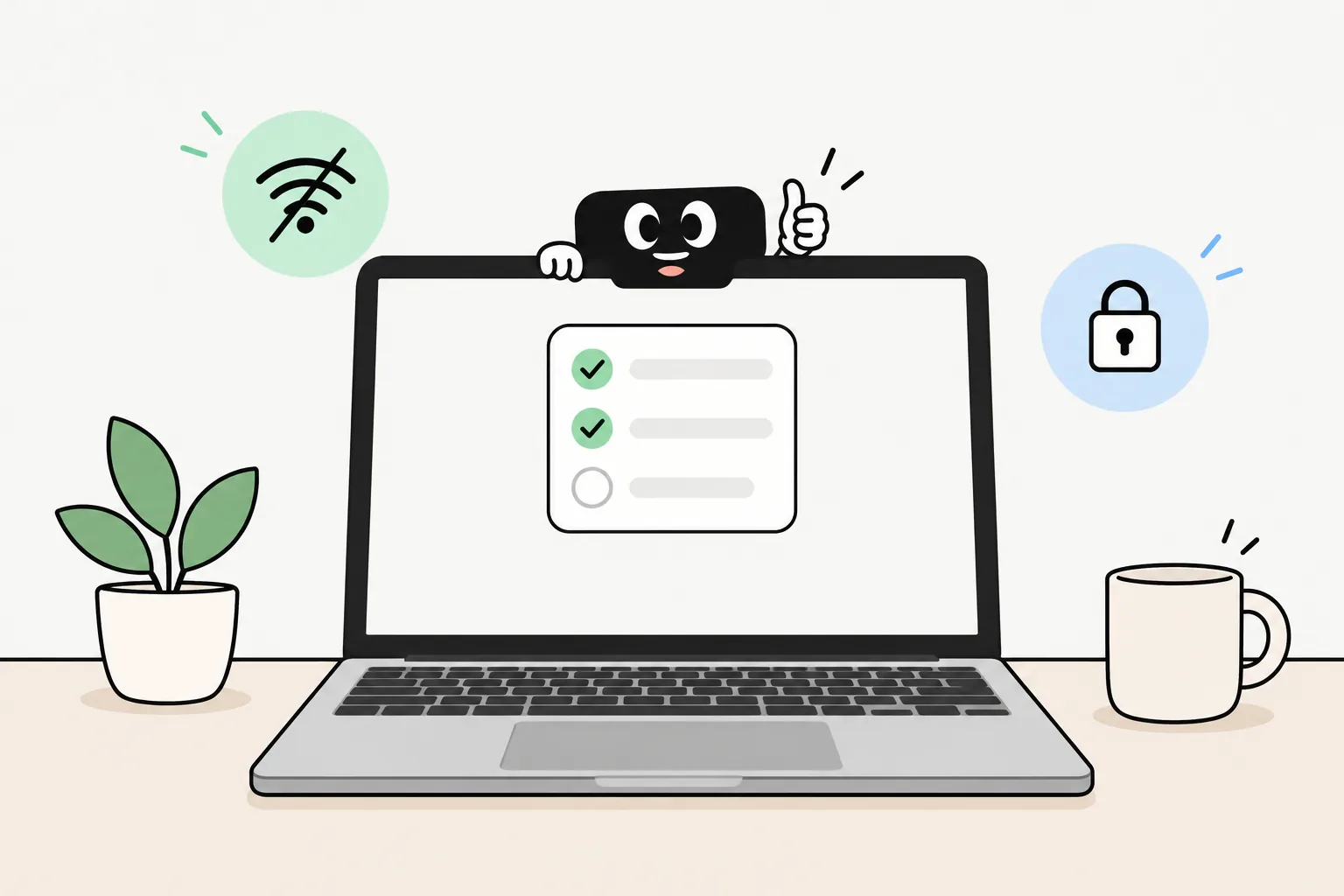
The short answer
Recording is the easy part; the editing takes the time. New in Taby 1.0.14, Taby records your screen and does the boring edits for you: zooms on your clicks, cutting the pauses and writing captions. It all runs on your own computer, and you export an MP4 or a GIF.
Say it, it’s done
“Start recording”
Starts recording your screen. Say “stop recording” when you’re done.
“Remove the pauses”
Cuts out the quiet bits where nothing happens.
“Cut the first 10 seconds”
Trims that part off the recording.
“Add captions”
Writes captions from what you said, right on your computer.
New in Taby 1.0.14. Speed, zooms and the camera layout are by hand for now.
What it does
Record your whole screen or one window at 60 frames a second, with your computer’s sound, your mic and your camera if you want it. Taby’s own smooth cursor and click effects make every click easy to follow.
The studio zooms in where you click, all by itself, so people can see what you’re doing. Want a zoom somewhere else? Add your own.
Cut, split, trim and reorder. Remove the pauses in one go. Change the speed from 0.5× to 2×, put your camera in a corner, at the side or full screen, pick a background, and export an MP4 or a GIF.
Taby writes captions from what you said, right on your computer, in English, German, French, Dutch, Italian, Spanish, Portuguese and Russian. The first time, it downloads about 670 MB.
Recording, the studio and captions all run on your own computer. Your video and your voice stay there, and it works offline.
Captions use NVIDIA Parakeet, an open speech model that runs on your computer, so nothing you say in a recording needs to go anywhere.
Quick answers
Yes. The screen recorder and its studio are new in Taby 1.0.14, the latest update. If you already have Taby, update it and they’re there.
Your whole screen or one window, at 60 frames a second, with your computer’s sound, your mic and, if you like, your camera. Taby draws its own smooth cursor and click effects, so clicks are easy to follow.
Yes. The studio adds zooms on your clicks by itself, and you can add your own zooms wherever you want.
Yes. Say “remove the pauses” or click it in the studio, and the quiet bits where nothing happens get cut out.
Yes. Captions are made on your own computer with NVIDIA Parakeet, an open speech model, in English, German, French, Dutch, Italian, Spanish, Portuguese and Russian. The first time, it’s a one-time download of about 670 MB.
No. Recording, editing and captions all run on your own computer, and your video stays there.
Ask Taby to start or stop recording, remove pauses, cut by time or add captions. Speed, zooms and the camera layout are by hand in the studio for now.
As an MP4, or as a GIF for short clips. You can change the speed from 0.5× to 2×, pick a background and put your camera in a corner, at the side or full screen first.
Download Taby for Mac or Windows and say “start recording”. Recording, editing and captions run on your own computer. No account.