Hey Taby

Day planner

An AI day planner that plans with you

Say “plan my day”. Taby lays it out around your calendar and your tasks, and tells you when you usually focus best. Free, on Mac and Windows.

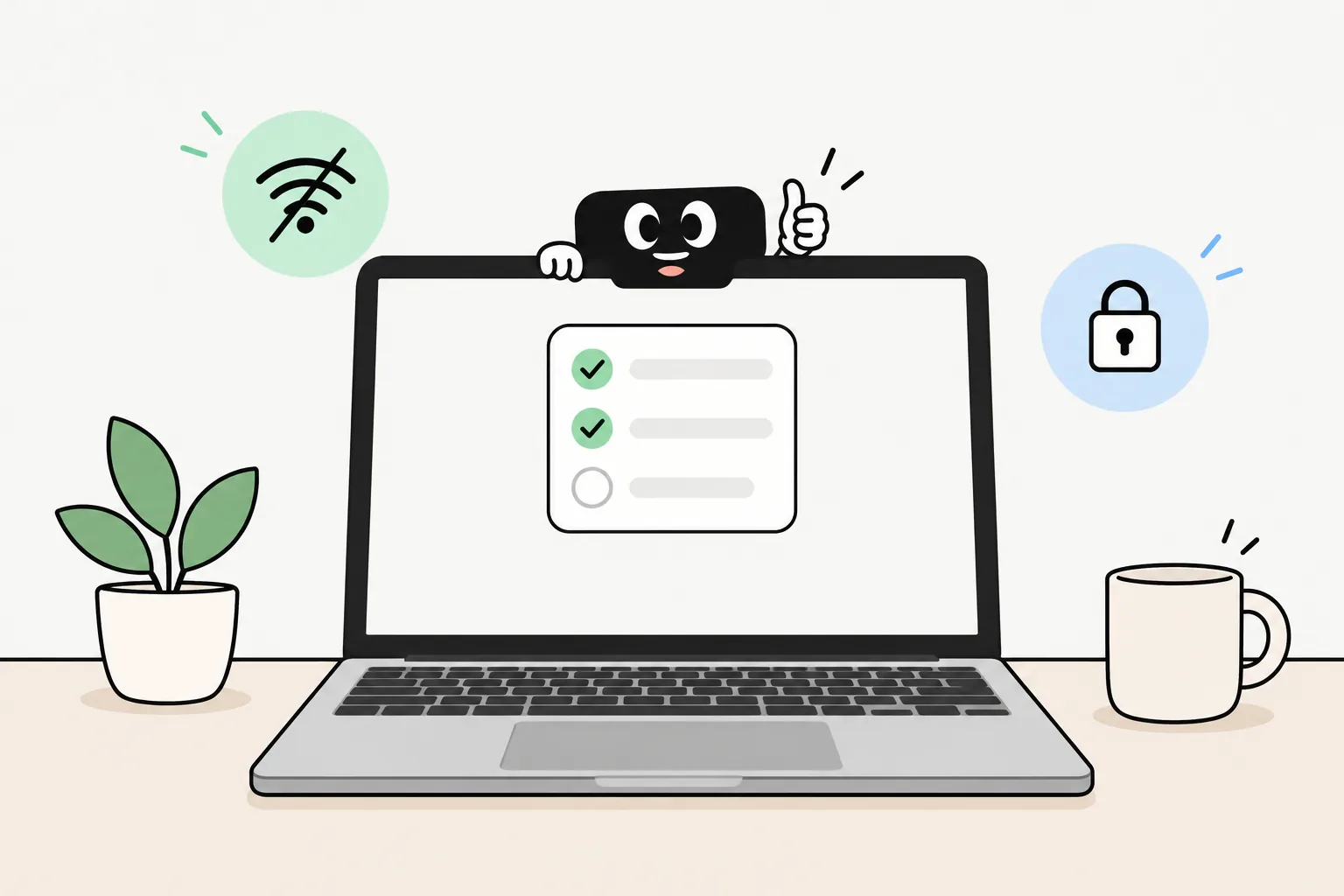
Taby on a laptop, ready to plan the day with the AI running right on the computer

The short answer

Most planners want you to fill them in. Taby plans with you: it reads your Google, Outlook or Apple calendar, finds the free time, gives your tasks a slot and adds events when you ask. Its AI runs on your own computer, works offline and needs no account.

Say it, it’s done

Plan your day out loud

  • “Plan my day”

    Looks at your calendar and your tasks and lays out the day on a timeline. Keep what you like.

  • “Find an hour for a walk today”

    Finds free time around your meetings and offers to lock one in.

  • “Add a haircut on Tuesday at 11”

    Puts it on your calendar right away, with Undo. If something isn’t clear, like guests, it asks first.

  • “Every Monday at 9, gym”

    Adds it to your plan, every week.

  • “Move the gym to Monday”

    Moves it to Monday and keeps the time.

  • “When should I do hard tasks?”

    Answers from your own days, like the hours you focus best.

  • “What’s on tomorrow?”

    Shows your calendar events and your plan for the day.

How it plans

Your calendar, your tasks, your rhythm

Works with your calendar

Connect Google Calendar, Outlook or Apple Calendar on a Mac. Your events show up in Today and Week, and Taby plans around them, so nothing lands on top of a meeting. Ask it to add an event and it goes straight into your calendar.

Your tasks get a time

Time blocking, without the dragging. Your plan sits on a timeline next to your calendar. Start a focus session from any block, move one to another day, repeat it every week, or take it off the plan.

Knows when you focus best

Taby sees which apps and sites you use during the day, so it learns your rhythm. Ask “when am I most productive?” and it answers from your own days. Then give that hour to your hardest task.

A gentle nudge, not a nag

When your day looks empty, Taby waves and asks “Plan your day?”. Say later and it leaves you be. It never asks in the middle of a focus session, and you can turn the question off.

Private by default

Taby’s local AI plans your day on your own computer. Your plan, tasks and day history stay there, and your calendar events are kept there too once they sync. It works offline, needs no account, and nothing you write is used to train models.

Taby’s local AI needs 8 GB of memory or more (a graphics card on Windows). If your computer can’t run it, Taby Cloud does that part instead, under Zero Data Retention.

Quick answers

Day planner questions

What is an AI day planner?

A planner you can just talk to. Instead of dragging blocks around, you say “plan my day” or “find an hour for a walk”, and Taby looks at your calendar and your tasks and lays out the time for you. You keep what you like.

Which calendars does Taby work with?

Google Calendar, Outlook and Apple Calendar (on a Mac). Connect them in Settings. Your events show up in Today and Week, and Taby plans around them so it doesn’t put anything on top of a meeting.

Can Taby add events to my calendar?

Yes. Say “add a haircut on Tuesday at 11” and it lands in your calendar right away, with Undo. When something isn’t clear, like a repeating event or guests, Taby asks first. With no calendar connected, it goes on Taby’s own plan.

Does it know when I focus best?

Taby sees which apps and sites you use during the day on your computer, so it learns your busy and quiet hours. Ask “when am I most productive?” or “when should I do hard tasks?” and it answers from your own days. Then put the hard thing there.

Is Taby a time blocking app?

It can be. Your plan is a set of blocks on a timeline, next to your calendar events. You can start a focus session from any block, move it, repeat it every week, or take it off the plan, by asking or with a click.

Will it keep asking me to plan my day?

No. When your day looks mostly empty, Taby asks “Plan your day?” once, waits two hours, and stops after the second “not now”. It never asks during a focus session. You can turn the question off on the Focus page.

Does it work offline?

Yes. Your plan, your tasks and the local AI are on your computer, so planning works with the Wi-Fi off. Syncing a Google or Outlook calendar needs the internet; until it’s back, Taby uses the last copy it has.

Is it free? Do I need an account?

The desktop app and its local AI are free, and you don’t need an account. Taby Cloud is an optional €8.99 a month upgrade with a bigger brain and web search.

Does it run on Mac and Windows?

Yes. On a Mac, Taby lives in the notch at the top of the screen. On Windows 10 and 11, a thin bar at the top opens into Taby. Apple Calendar is Mac only; Google Calendar and Outlook work on both.

Let Taby plan your day

Download Taby for Mac or Windows, connect your calendar, and say “plan my day”. The AI runs on your own computer. No account.