Set it in plain words
Say when, in your own words, and Taby nudges you then. No date pickers. Forgot to say a time? Taby asks.
Reminders
Say “remind me to call Mom at 6” and it’s set. Taby reminds you right at the top of your screen, once or every hour. Free for Mac and Windows.
The short answer
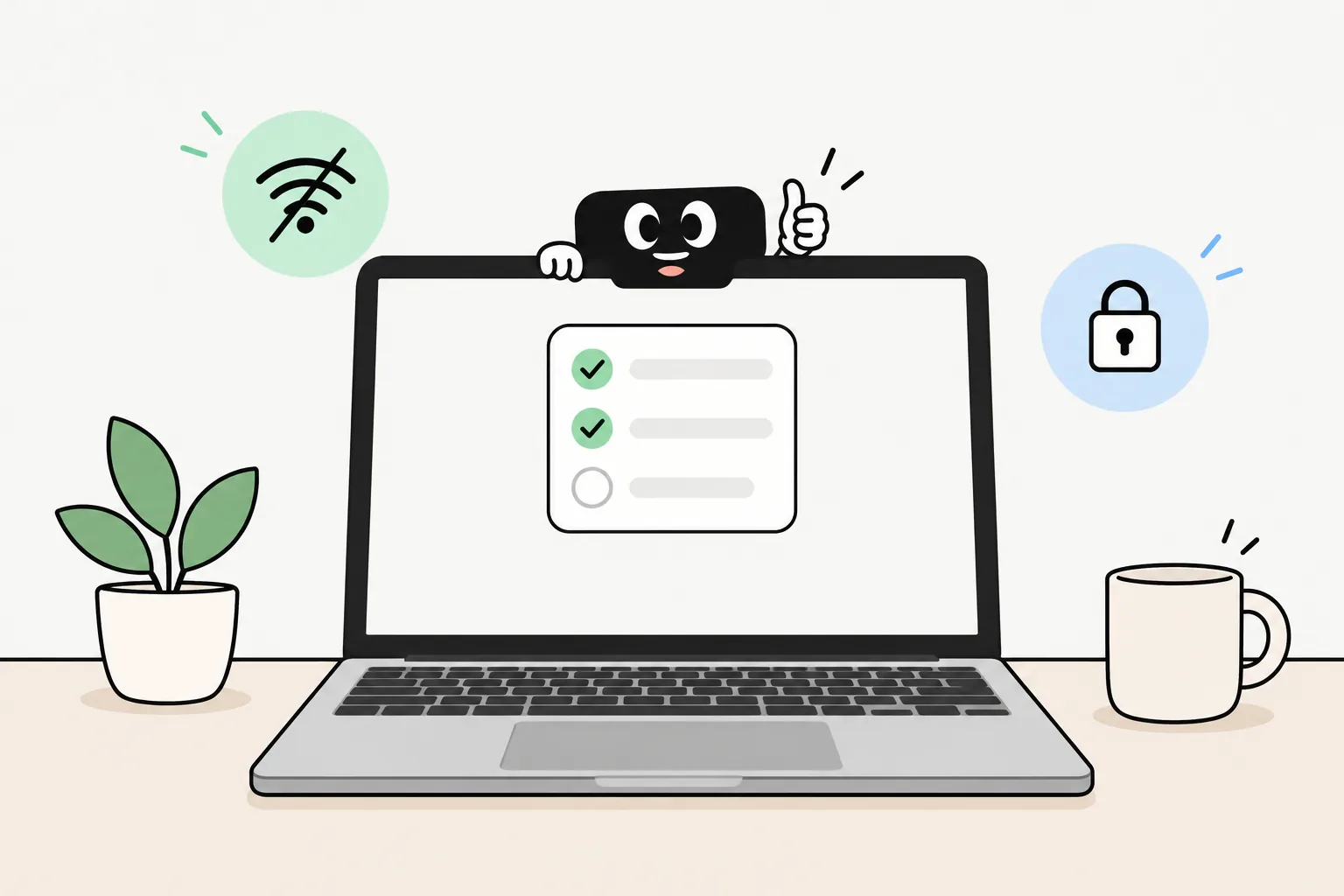
A reminder only helps if you notice it. Taby sets it from one sentence and makes sure you see it: a notification, a little animation at the top of your screen and, if you like, a sound. It repeats when you ask, works offline and needs no account.
Say it, it’s set
“Remind me to call Mom at 6”
Sets the reminder for 6 and tells you it’s done.
“Remind me to drink water every hour”
Sets a repeating reminder, with its own little animation.
“Remind me to stretch every two hours between 9 and 5”
Repeats only in those hours, so your evenings stay quiet.
“Remind me to take the bins out every Tuesday at 8”
Sets a weekly reminder for Tuesday mornings.
“Remind me to pay rent”
Saves it and asks you when, so it isn’t lost while you think.
“Move my dentist reminder to 4”
Moves it to 4 and keeps the day.
“Set a 10-minute timer”
Counts down and rings when it’s done.
“Set an alarm for 7:00”
Rings at 7.
Why it works
Say when, in your own words, and Taby nudges you then. No date pickers. Forgot to say a time? Taby asks.
Taby sits at the top of your screen: in the notch on a Mac, in a thin bar on Windows. When a reminder is due, a notification pops up and Taby plays a little animation, with a sound if you want one.
Drink water every hour. Stretch every two hours between 9 and 5. Bins every Tuesday. Pick an animation for each one, so you know what it is at a glance.
Pasta on? Ask for a 10-minute timer. Need to leave at 7? Ask for an alarm, and it rings.
Your reminders stay on your own computer, and Taby’s local AI runs there too. It works offline, needs no account, and nothing you write is used to train models.
Taby’s local AI needs 8 GB of memory or more (a graphics card on Windows). If your computer can’t run it, Taby Cloud does that part instead.
Quick answers
Taby is one. The desktop app and its reminders are free on Windows 10 and 11 and on Apple Silicon Macs, and you don’t need an account. Taby Cloud is an optional €8.99 a month upgrade; reminders don’t need it.
Yes. Say “remind me to call Mom at 6” and it’s set. Taby’s local voice listens in 8 languages right on your computer, and Taby Cloud voice works in 100+. You can type instead, too.
Yes. A reminder can repeat every hour or every few hours, every day, on weekdays or every week. You can keep it to certain hours, like “every two hours between 9 and 5”. Ask Taby, or set it on the Reminders page.
That’s the idea. A notification pops up, Taby shows it at the top of your screen with a little animation, and it can play a sound: Pop, Bubble, Chime or Twinkle, in Settings. If you have a Physical Taby, its face shows it too.
Yes. Say “remind me to drink water every hour” and you get a repeating reminder with its own animation. Want to count glasses too? Make it a habit, like eight glasses a day, and tick them off as you go.
Taby saves the reminder and asks when, so the thought isn’t lost. Answer, and it’s set.
They work with the Wi-Fi off: reminders live on your computer and the local AI runs there. Taby is a desktop app, though, so it reminds you on your computer while it’s running. If a repeating reminder was missed, it picks up at the next one instead of a pile of old ones.
Yes. Ask Taby to move it, or open the Reminders page to edit, mark done, mark not done or delete it. Done and dismissed reminders stay in History for 30 days.
Your reminders stay on your own computer and nothing you write is used to train models. The app sends content-free usage stats, like which features get used, and you can turn that off in Settings.
Download Taby for Mac or Windows, open it, and say “remind me to drink water every hour”. Your reminders stay on your own computer. No account.